



Pixel 10a: Release Date, Price, Specs, AI Features, and Should You Buy Google’s New Budget Pixel?
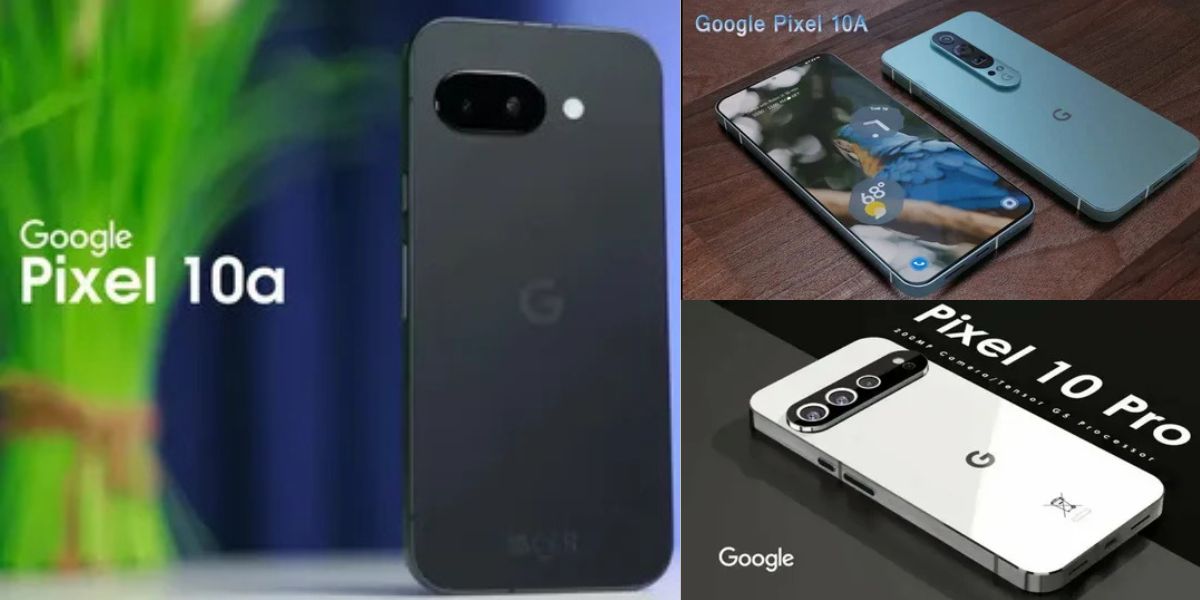
Pixel 10a: Google’s A-series has always been about one promise: give most people the Pixel experience—great photos, clean software, and genuinely useful smarts—without forcing a flagship budget. The pixel 10a arrives as a “refinement year” model: less about flashy redesigns, more about making the core Pixel formula feel smoother, longer-lasting, and easier to recommend to people who want one phone that just works. That positioning matters, because the midrange market is no longer “cheap phones.” It’s where brands compete on longevity, ecosystem perks, and real-life quality—not benchmark theatrics.
This guide is written for buyers who want clarity, not hype. You’ll get the confirmed timeline, the real-world implications of the chipset choice, what’s new (and what’s not), and how to decide if this is the right phone for you—especially if you’re coming from an older Pixel, a budget Samsung, or an iPhone that’s finally starting to feel dated.
Pixel 10a Release Date and Availability Timeline
The most searched question is simple: the pixel 10a release date. Google officially announced the device on February 18, 2026, and multiple outlets reporting on the launch point to general availability starting March 5, 2026, with pre-orders opening around the announcement window.
When you’re planning an upgrade, that timeline is useful for more than calendar reasons. It affects early pricing (launch promos vs. steady pricing), inventory (popular colors and base storage), and carrier incentives. If you’re buying unlocked, the best value window is often the first two to four weeks after launch—when trade-in credits and store bundles tend to be strongest—then again during the first major seasonal sale.
Google Pixel 10a Positioning: What This Phone Is Trying to Be
The A-series isn’t designed to win spec-sheet battles; it’s designed to win “daily phone” trust. In that sense, the google pixel 10a targets people who care about camera consistency, reliable call features, and long software support more than raw GPU performance. That’s why the headline is less “new design language” and more “Pixel features at a lower price point.”
A practical way to think about it: flagships are about peak performance and premium hardware materials. The A-series is about a controlled set of compromises that most users won’t feel—while protecting the areas that create long-term satisfaction (camera processing, updates, security, and usability features like call screening and voice tools). That’s also why the best evaluation isn’t “what did they remove?” but “what did they protect?”
Price, Value, and the Real Cost of Ownership
Launch pricing is reported at $499 for the base configuration, positioning it as a “midrange anchor” rather than a bargain-bin device. This matters because the best competitor is often last year’s flagship on discount, not another midranger at MSRP. Your value decision should weigh three things: how long you’ll keep the phone, the likelihood you’ll use Pixel-exclusive features, and how much you care about predictable updates.
Cost of ownership isn’t just the sticker price. It’s also battery health over time, repairability and protection, and whether the phone stays fast enough two or three years in. In that context, A-series Pixels often outperform their price category because Google tends to support them like premium devices—more years, more consistent patches, and fewer “update drought” periods that can quietly degrade performance and security.
Design and Durability: Small Changes That Affect Daily Use
Visually, this generation is described as a modest evolution rather than a redesign, with details tuned for feel and durability. One launch report notes a very slight dimensional tweak and camera housing changes that help the device sit more cleanly on a table, plus improved front protection. If you’ve used a phone that rocks when you type, you already know why “minor” physical tweaks can matter every day.
Durability is also where midrange phones can quietly disappoint—usually through weaker glass or flexy frames that don’t survive drops. The pixel 10a narrative focuses on being a tougher A-series option, which lines up with what buyers want: fewer cracked screens, fewer micro-scratches, and a device that still looks presentable a year later. If you’re the kind of user who doesn’t baby a phone, durability improvements are worth more than another 200 points on a benchmark.
Display Experience: Where Midrange Phones Win or Lose
For most people, the display is the product. You see it more than you see your camera lenses, chipset, or even your design color. Reports describe a 6.3-inch, 120Hz pOLED panel experience continuing in the A-series, paired with brighter “Actua” positioning and tougher glass. If you’re coming from an older 60Hz phone, the perceived smoothness upgrade is immediate—scrolling feels more direct, and UI interactions feel less “sticky.”
The nuance is that display quality isn’t only refresh rate. Outdoor brightness, touch response, color calibration, and PWM behavior can shape comfort and fatigue. Buyers who use their phone outdoors (drivers, delivery work, students on campus, travelers) should treat brightness and visibility as top-tier priorities—because a phone that’s “fine indoors” can become frustrating in real conditions.
Performance and the Tensor Choice: What You Actually Need to Know
The pixel 10a is widely reported to use Tensor G4, even as the flagship Pixel 10 line moves forward. The right way to interpret that is not “old chip = bad phone,” but “Google optimized for cost and consistent Pixel features.” Tensor phones tend to feel best when you value on-device AI features, camera processing consistency, and the Google software stack more than maxed-out gaming performance.
In daily use, Tensor decisions show up as: how quickly the phone launches the camera, how stable it stays after months of updates, and how cool it runs under sustained workload (video calls, navigation, recording, hotspot use). For casual gaming and standard productivity, G4-class performance is typically more than enough. If your life includes heavy 3D gaming sessions, competitive frame-rate chasing, or intensive emulation, you should evaluate alternatives—or step up to a flagship—because that’s not what the A-series is built to dominate.
AI and Gemini Features: Useful or Just Marketing?
“AI features” can be meaningless if they don’t reduce effort. The A-series proposition is that Pixel AI should feel like a set of small superpowers: fix photos faster, make calls less annoying, and help you do routine tasks without extra apps. Launch coverage highlights additions such as camera-assist tools and sharing improvements that bring the experience closer to higher-tier Pixels.
Here’s the practical filter: if the feature saves you time weekly, it matters; if you try it once, it doesn’t. For example, photo cleanup and guided camera prompts can matter every time you take family photos. Meanwhile, novelty effects that require multiple steps often fade. The best way to “shop AI” is to ask: will I use this without thinking? If the answer is yes, that’s real value.
Camera System: Why Pixels Still Win for Normal People
Pixel cameras often outperform their hardware on paper because the system is built around computational photography. The A-series especially relies on this: you get consistent exposure, reliable skin tones, and excellent “tap, shoot, share” results without pro-level tweaking. Reports describe continuity in main and ultrawide camera hardware while emphasizing software capabilities and newer AI-backed editing workflows.
What this means for you: if you take photos of kids, pets, food, street scenes, or travel moments, your success rate matters more than perfect lab sharpness. Pixels are designed for high “keeper” rates—shots that come out good without a second attempt. That’s why A-series Pixels are often the simplest recommendation for people who want strong photos but don’t want to learn camera settings or carry editing apps.
Video, Social Sharing, and the Reality of “Good Enough”
The midrange video story is usually about stability and reliability rather than cinema quality. If Google’s processing keeps motion smooth, controls exposure shifts well, and prevents muddy audio, your videos look better in real life than a spec list suggests. For social platforms, consistency matters: phones that look good in-camera but over-compress or oversharpen during export can disappoint.
Also pay attention to how fast you can move content off the phone. The faster your sharing loop—capture, edit, upload—the more likely you actually use the camera. If the device supports better cross-platform sharing behaviors and streamlined workflows, that’s a quiet but meaningful quality-of-life upgrade for creators and casual sharers alike.
Battery and Charging: What “Bigger Battery” Actually Changes
Battery is where A-series phones can be genuinely superior to some flagships, because a slightly less power-hungry performance target paired with a sizeable battery often produces stable all-day results. Launch reporting references a battery around the 5,100 mAh class and mentions incremental charging improvements, plus wireless charging around the 10W level.
The key is not the number, but the behavior: does it survive a day of calls, navigation, camera use, and scrolling without anxiety? For many people, the ideal phone is the one you don’t have to think about at 6 p.m. If you’re upgrading from an older device with degraded battery health, the lived difference can feel bigger than any camera upgrade because your phone becomes dependable again.
Connectivity and Safety Features: The Stuff You Appreciate Later
Connectivity upgrades rarely sell phones—but they keep phones from ruining days. Satellite SOS support being highlighted for the A-series is significant because it changes the risk profile for travelers, hikers, and anyone who drives long rural routes. Launch coverage specifically notes satellite SOS arriving in the A-series context.
Even if you never use SOS, safety features are like good insurance: you only care when you need them. In the same category are stronger location controls, better emergency settings, and more consistent signal handling. If your current phone drops calls or struggles on crowded networks, the real upgrade isn’t speed—it’s stability.
Software, Android Version, and the “Pixel Feel”
Pixels are as much a software product as a hardware product. The appeal is the tight integration: features arrive first (or arrive best) on Pixel, the UI stays coherent, and the default apps aren’t overloaded with duplicate vendor services. Launch reporting indicates the device ships with Android 16 and a design direction aligned with Google’s latest UI approach.
What matters most here is not aesthetics. It’s how quickly the phone adapts to you: voice typing accuracy, assistant responsiveness, notification control, and the subtle predictability of Pixel defaults. If you’ve ever felt like your phone is constantly “asking you to manage it,” the Pixel approach can feel calmer.
Update Policy and Longevity: The Reason Many People Choose Pixel
Long-term updates aren’t exciting—until you’re stuck without them. The A-series value proposition improves dramatically when you plan to keep the phone for four to six years, because the update runway reduces security risk and keeps core apps compatible. Coverage around the launch emphasizes seven years of OS updates for the device class.
This is also where the price becomes easier to justify. A phone that costs a bit more but stays secure and smooth for longer can be cheaper per year than a cheaper device you replace sooner. If you’re buying for a student, a family member, or a business line, support horizon should be a top decision factor—right alongside battery and camera.
The One Quote That Best Captures the Pixel 10a Strategy
Google’s own framing is blunt about the goal: bring the Pixel experience to more people without turning it into a “budget compromise” device. In its first-look messaging, Google positions the phone around a familiar Pixel formula—useful intelligence, camera reliability, and a mainstream-friendly price—rather than premium-only features.
A concise way to capture that approach is this: Google calls the Pixel 10a a way to get “a helpful Pixel experience” at a more accessible price. This isn’t just marketing; it’s a product philosophy. You’re buying a phone designed to feel thoughtful in small, repeatable moments.
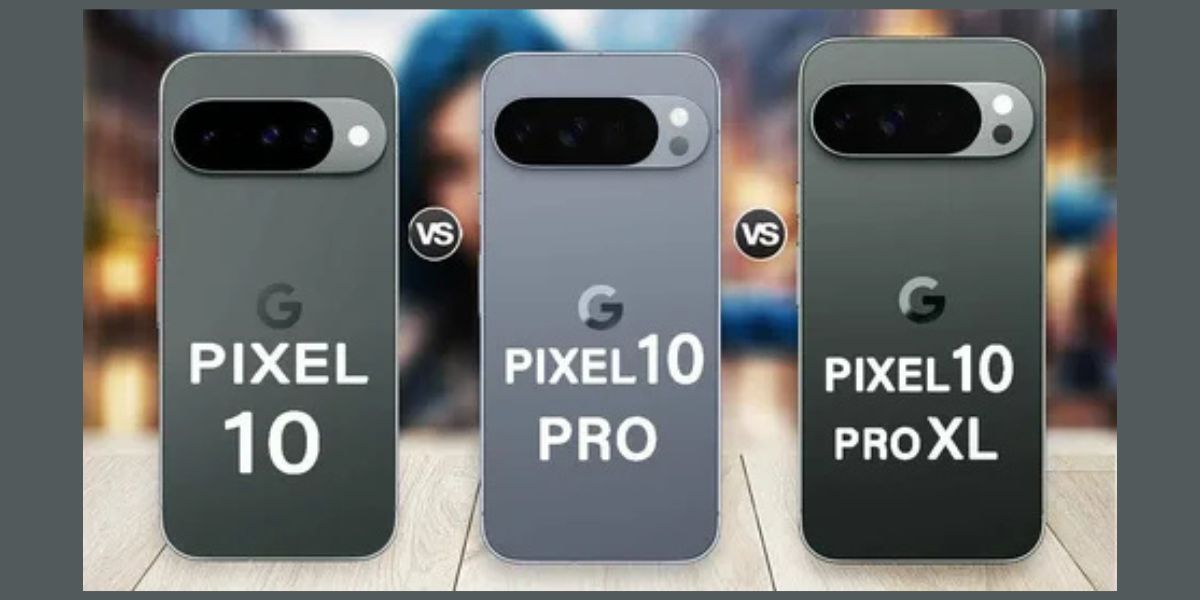
Pixel 10a vs Pixel 9a vs Pixel 10: Who Should Buy What
Most buyers aren’t choosing between the A-series and nothing—they’re choosing between the new A-series, last year’s model on discount, and a discounted flagship. Launch coverage frames this model as a relatively small year-over-year upgrade, which implies that Pixel 9a owners may not feel compelled to upgrade, while older devices stand to gain more.
If you’re deciding among these three: pick the A-series if you want the best “Pixel essentials” value. Pick last year’s A-series if it’s deeply discounted and you don’t care about incremental refinements. Pick the flagship if you need premium camera hardware, stronger sustained performance, or top-tier display/camera extras. The best choice is the one that fits your usage—not the one with the most headlines.
Buying Unlocked vs Carrier: How to Avoid Overpaying
Unlocked buying is usually the simplest: fewer restrictions, cleaner resale, and the freedom to switch carriers. Carrier deals can be excellent, but only if you understand the trade-in math and plan to keep the line long enough to realize the credits. If you frequently change carriers, unlocked tends to win. If you keep a stable plan for years, carrier credits can beat any retailer discount.
A practical rule: if the deal requires long-term bill credits, treat it like a contract even if it’s labeled “no contract.” If you’re comfortable with that commitment, the savings may be real. If you prefer flexibility, take a smaller discount upfront and keep your options open.
Ecosystem and Accessories: The Pixel Experience Beyond the Phone
A phone feels better when the ecosystem is coherent. Pixel works best when paired with simple accessories: earbuds with fast pairing, a charger you trust, a case that doesn’t ruin the feel, and backup that keeps your photos and contacts safe. Because this device is designed for mainstream buyers, your “setup quality” can shape the experience more than minor spec differences.
Think of it like this: the best midrange phone is the one you configure well. Turn on backups, set your privacy defaults, learn the camera shortcuts, and choose a case that protects without making it bulky. Those choices affect every day of ownership, while a slightly faster CPU score rarely does.
Detailed Table: Pixel 10a Decision Matrix (What Matters to Which Buyer)
Most “spec comparisons” miss the point: different buyers care about different bottlenecks. This table maps common buyer profiles to the features that actually change satisfaction.
| Buyer profile | What you care about most | Why it matters day-to-day | What to prioritize when shopping |
|---|---|---|---|
| Camera-first casual user | Fast camera launch, reliable exposure | More keepers, fewer retakes | Pixel processing, camera tools, storage |
| Student / heavy messaging | Battery consistency, smooth UI | All-day reliability | Battery behavior, 120Hz smoothness, update years |
| Work phone / business line | Security, updates, call features | Reduced risk, fewer spam calls | Update policy, call screening tools, reliable connectivity |
| Traveler / outdoors | Safety and coverage | Fewer “no signal” worries | Satellite SOS support, battery, offline-friendly maps |
| Light gamer | Smooth everyday performance | Games run fine, phone stays responsive | Thermals, storage, consistent frame pacing |
| Power gamer / emulator | Sustained GPU and thermals | Prevents throttling and stutter | Consider flagship alternatives if this is primary use |
| iPhone switcher | Simplicity and longevity | Reduces transition pain | Update policy, privacy controls, ecosystem fit |
| Deal hunter | Lowest total cost | Avoids overpaying | Trade-in math, unlocked vs credits, timing |
Used properly, this matrix turns the purchase into a match-making problem, not a hype problem. If you know your profile, you can ignore specs that don’t serve you and pay for the ones that do.
Common Misconceptions About the Pixel 10a (and the Reality)
A common misconception is that a midrange phone is “a compromise everywhere.” In practice, the compromise is selective. The areas that are hardest to notice—peak benchmarks, luxury materials, bleeding-edge extras—are often where cuts happen. The areas you feel daily—camera outcomes, UI coherence, security updates, and call features—are often protected. That’s why people frequently report higher satisfaction with well-supported midrange phones than with neglected flagships.
Another misconception is that “older chip equals short lifespan.” Lifespan is more about software support, thermal behavior, and storage headroom than it is about raw chip generation. If the device is supported for many years and you choose enough storage for your habits, your experience can remain stable longer than you expect. The buyer mistake is not buying a midrange phone; it’s buying the wrong configuration for your usage and then blaming the category.
Should You Buy the Pixel 10a Right Now?
If you want a modern Pixel experience at a controlled price, and you care about camera reliability, clean software, and long-term updates, the pixel 10a is positioned as a strong “default choice.” Launch coverage suggests it’s a small iterative step, which actually can be good news: mature designs often mean fewer surprises, better stability, and a more predictable ownership curve.
If you already own the most recent A-series generation, the smartest move may be to skip—unless you’re upgrading for a specific feature (battery behavior, durability, safety features, or a deal that’s too good to ignore). If you’re coming from a Pixel 6a/7a era device, a budget Android, or an aging iPhone, the upgrade will feel meaningful in the ways that matter: smoother scrolling, better photos with less effort, and a calmer software experience.
Conclusion: The Pixel 10a Is a “Confidence Purchase,” Not a Flex
The pixel 10a isn’t trying to be the phone you brag about. It’s trying to be the phone you stop thinking about—because it does the basics extremely well, stays secure, and quietly improves your day through small, useful intelligence. With a clear launch timeline and a price that anchors it in the true midrange, it’s best evaluated as a long-term tool rather than a short-term toy.
If your priorities are camera success rate, dependable battery, and years of support, you’ll likely be happy here. If your priorities are peak gaming performance, luxury materials, or “latest silicon at all costs,” you’ll be happier in a different lane. Buy it for the right reasons, and it becomes one of the easiest phones to live with.
FAQs
What is the pixel 10a release date?
The pixel 10a release date is tied to Google’s official announcement on February 18, 2026, with broad availability commonly reported for March 5, 2026.
Is the google pixel 10a the same as pixel 10a?
Yes—google pixel 10a is simply the full product naming that many retailers and articles use, while pixel 10a is the shorthand most people search.
What’s the difference between “pixel 10a release date” and “google pixel 10a release date”?
They refer to the same timeline; “google pixel 10a release date” is just a longer query variant that people use when they want official confirmation rather than rumors.
Is the pixel 10a worth upgrading to from a recent A-series Pixel?
For many recent A-series owners, the pixel 10a may feel like an incremental refresh rather than a must-upgrade—unless you’re chasing a specific feature improvement or a strong trade-in deal.
Does the pixel 10a get long software support?
Launch reporting highlights a long support window—often framed as seven years of OS updates—which is a major reason buyers choose the pixel 10a for longevity.